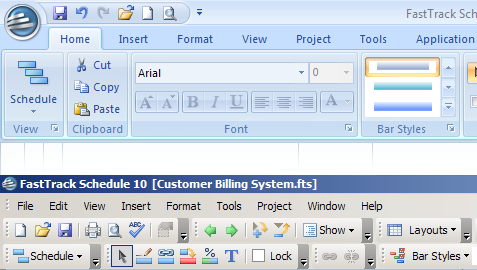
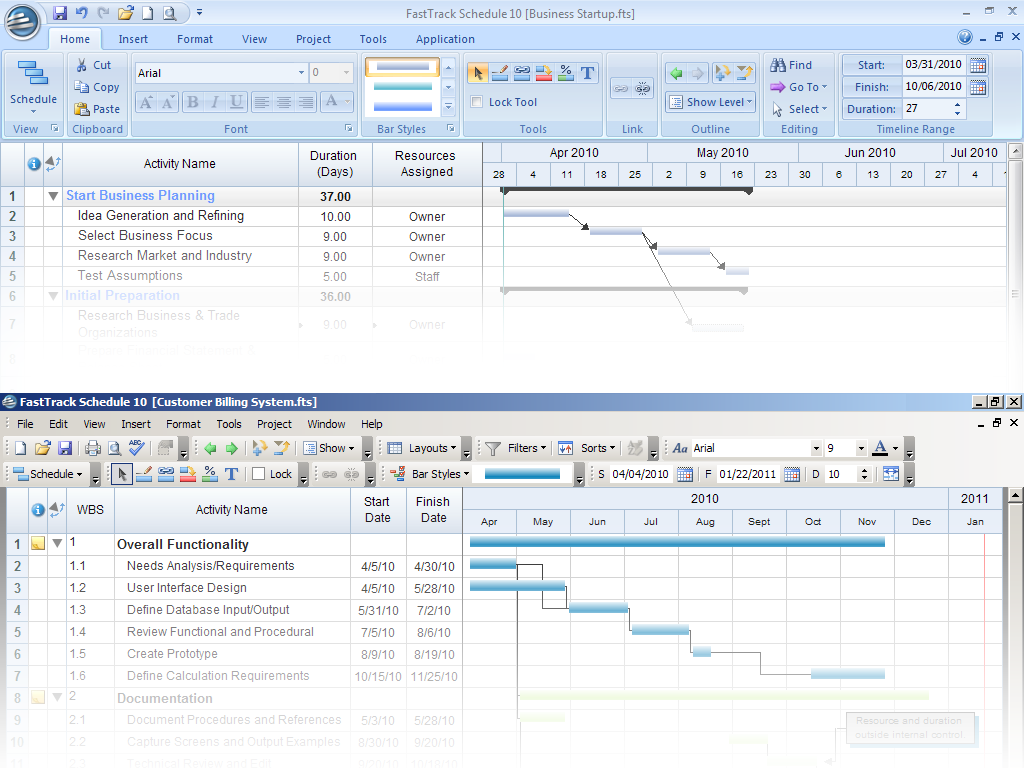
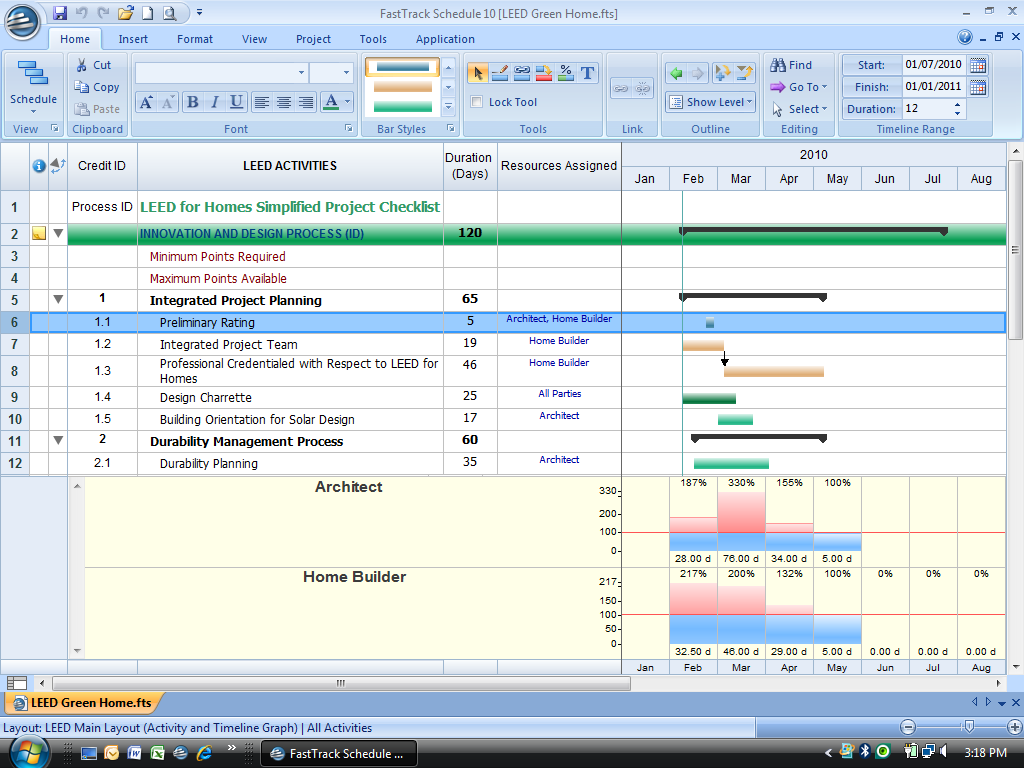
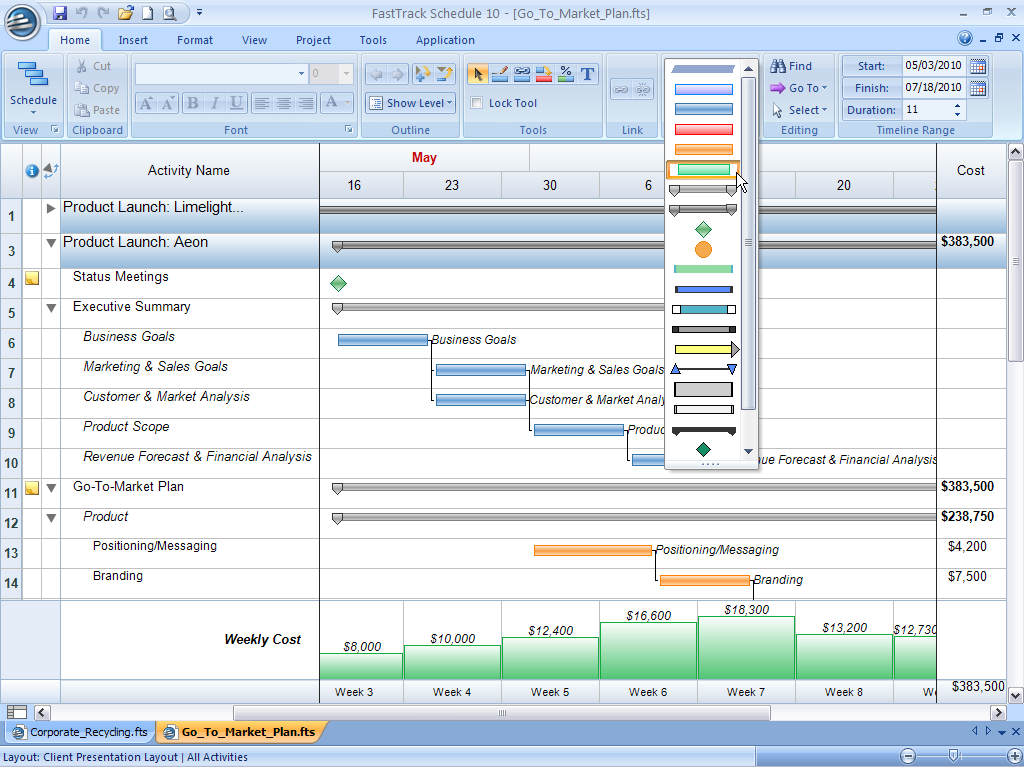
With the sleek new Ribbon interface, all tools are organized
into task-focused groups right at your fingertips to speed your scheduling. Prefer
a traditional menu-based interface? No problem. Simply switch to a classic theme
or add classic toolbars to the Ribbon to create a workspace that matches the way
you work best.
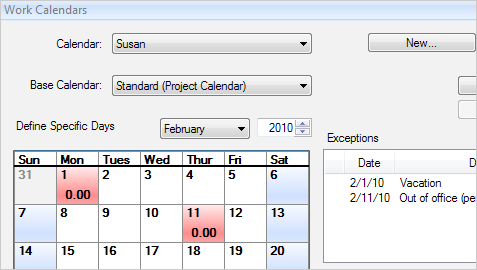
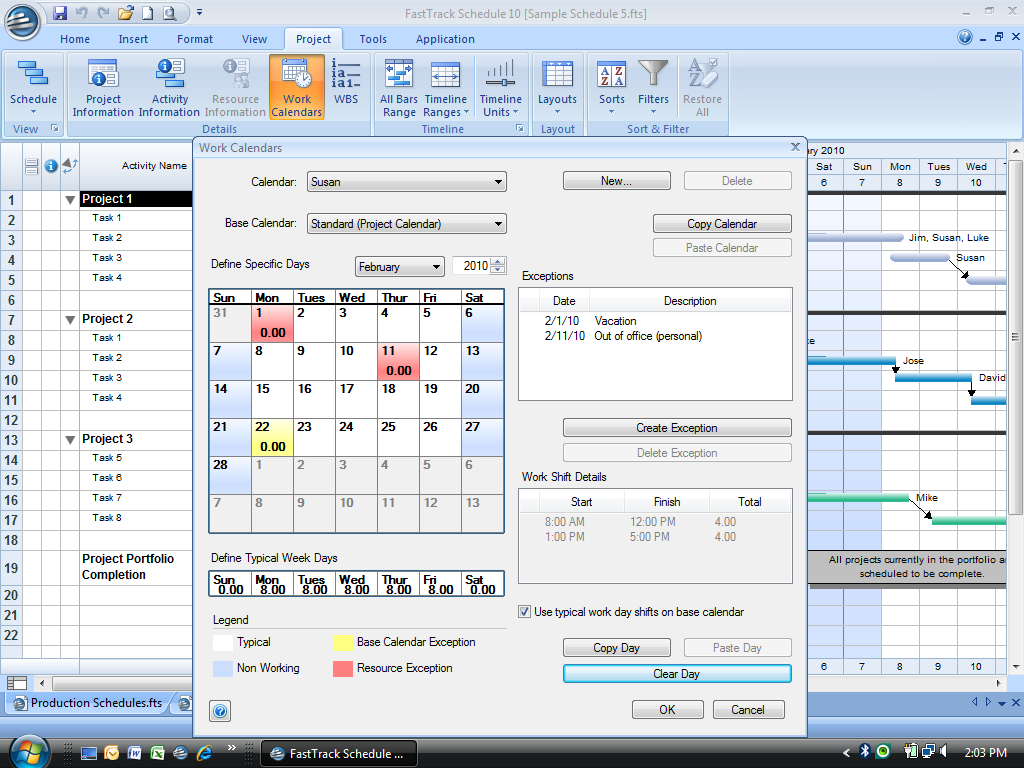
Choose Base Calendars such as standard, 24 hour, and night
shift calendars, or customize your own. The new Base Calendars and improved Work
Calendars can now be defined per task, so that your projects can have an unlimited
number of Work Calendars for all your unique calendaring requirements.
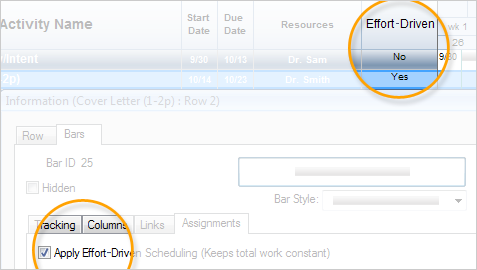
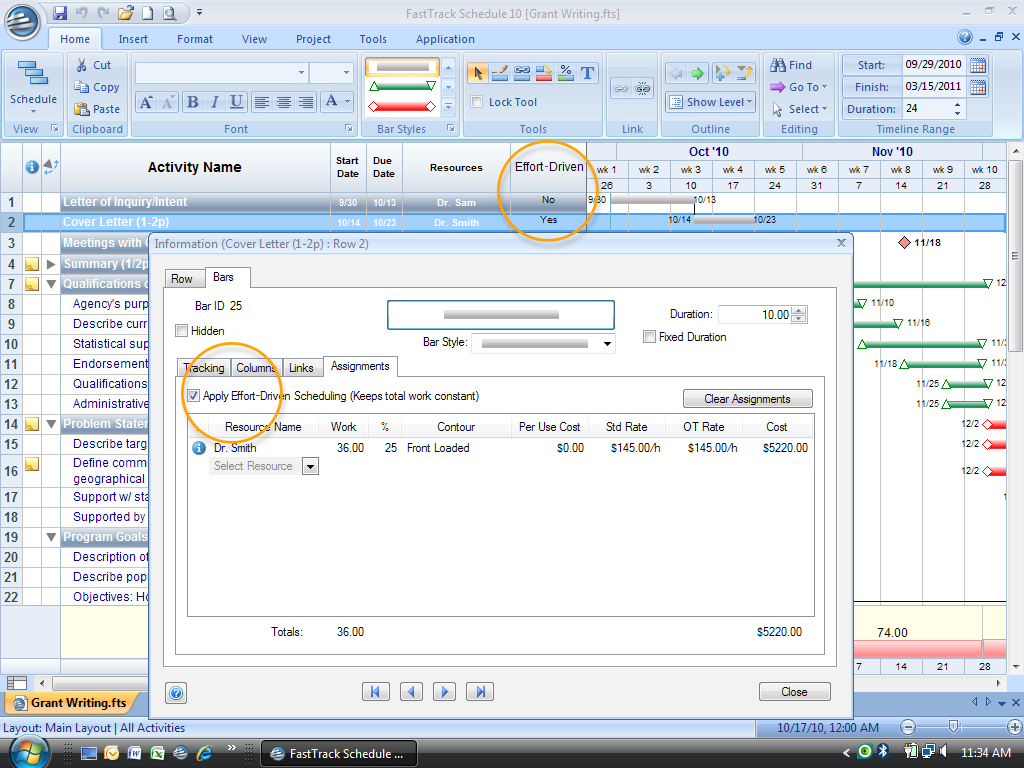
For tasks that can be completed faster by adding more resources,
use Effort-Driven Scheduling for simple schedule compression. Automatically adjust
task durations as resources are added or subtracted, while keeping the total work
for a task constant.
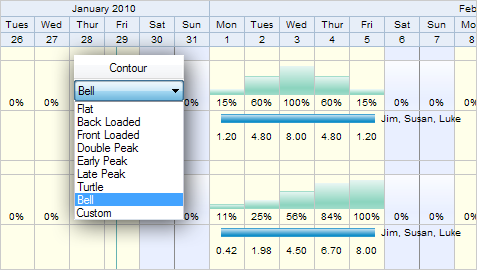
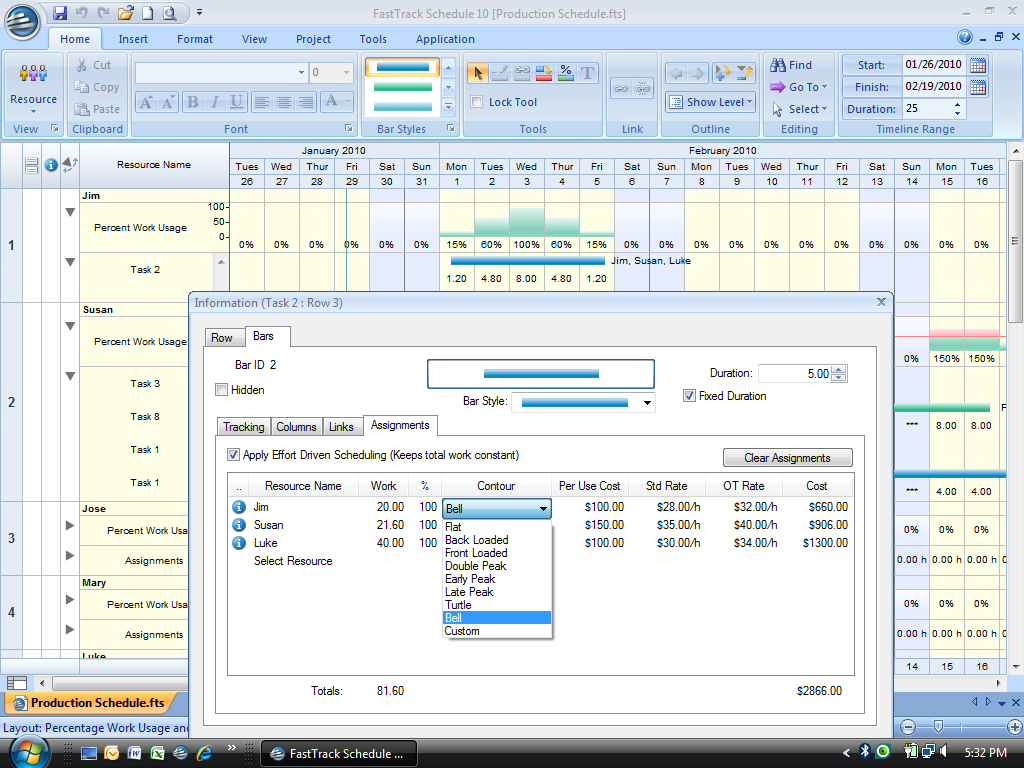
Choose from eight built-in work contours or customize your
own for the ultimate ease and flexibility in resource scheduling. Assignment contouring
enables you to quickly re-distribute your resources' efforts on a task for those
special cases and must-meet deadlines.
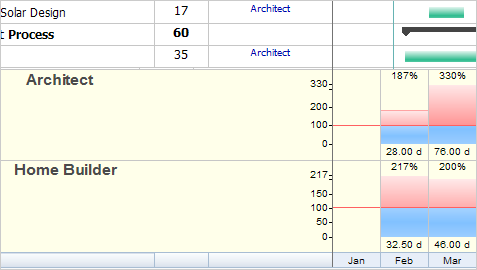
Now it's easier than ever to monitor resource workloads while
making assignments in the Schedule View. The new Work Usage Inspector displays Resource
Usage Graphs at the base of the Gantt chart to provide a detailed snapshot of a
resource's free and busy time, enabling you to make precise assignments and effectively
manage resource costs.
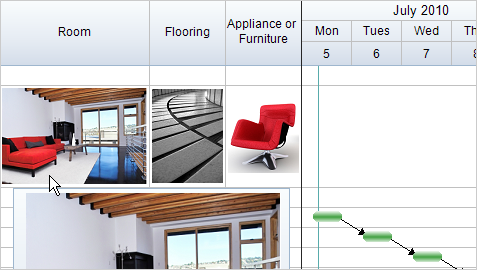
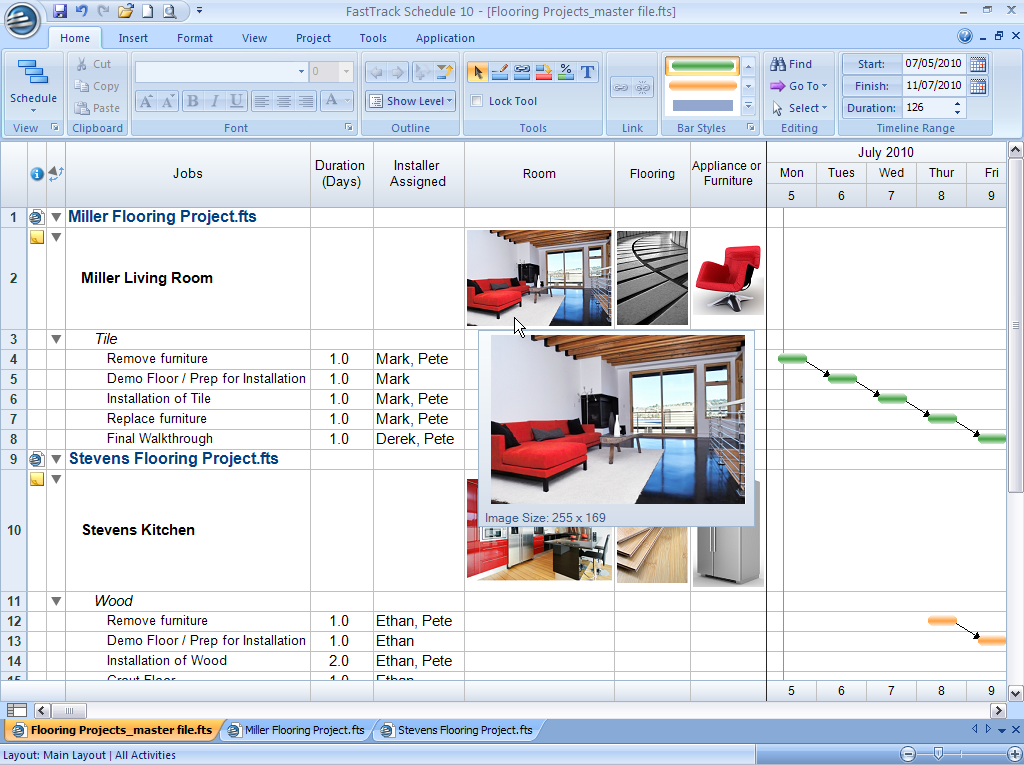
With FastTrack Schedule's new Image Columns, you can add pictures
of task items, staff, resources, designs, progress photos, and more, directly into
column cells. Images automatically scale as thumbnails to match row heights and
display as larger images when you hover over them.
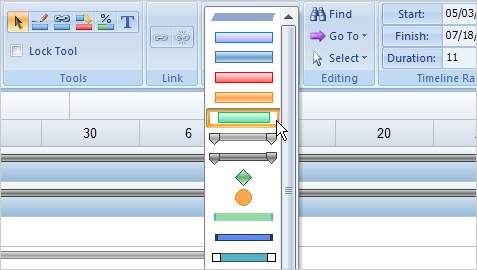
Make your schedules as impressive as the work involved in your
projects. New bar styles, milestones, and gradients transform an ordinary schedule
into a presentation-quality project report that's sure to make an impact, especially
with clients and colleagues.
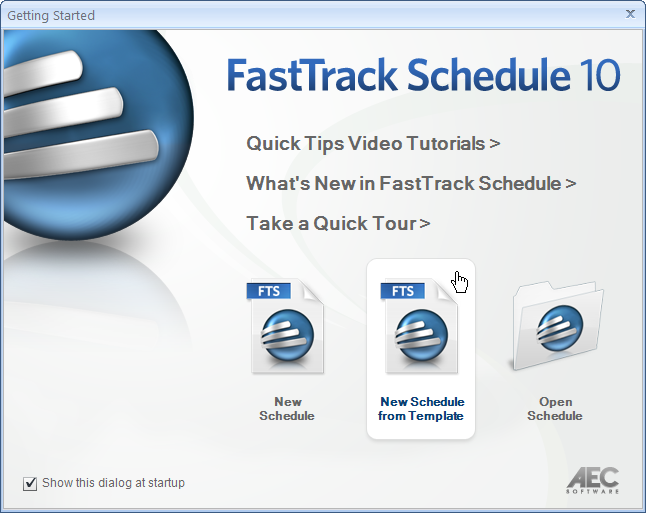
Launch FastTrack Schedule and you’ll have instant access to
everything you need to get started quickly including templates, your schedules,
and online resources including video tutorials—all in one central place.
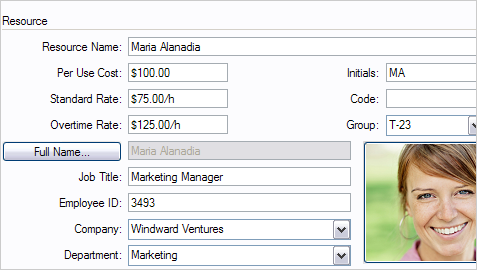
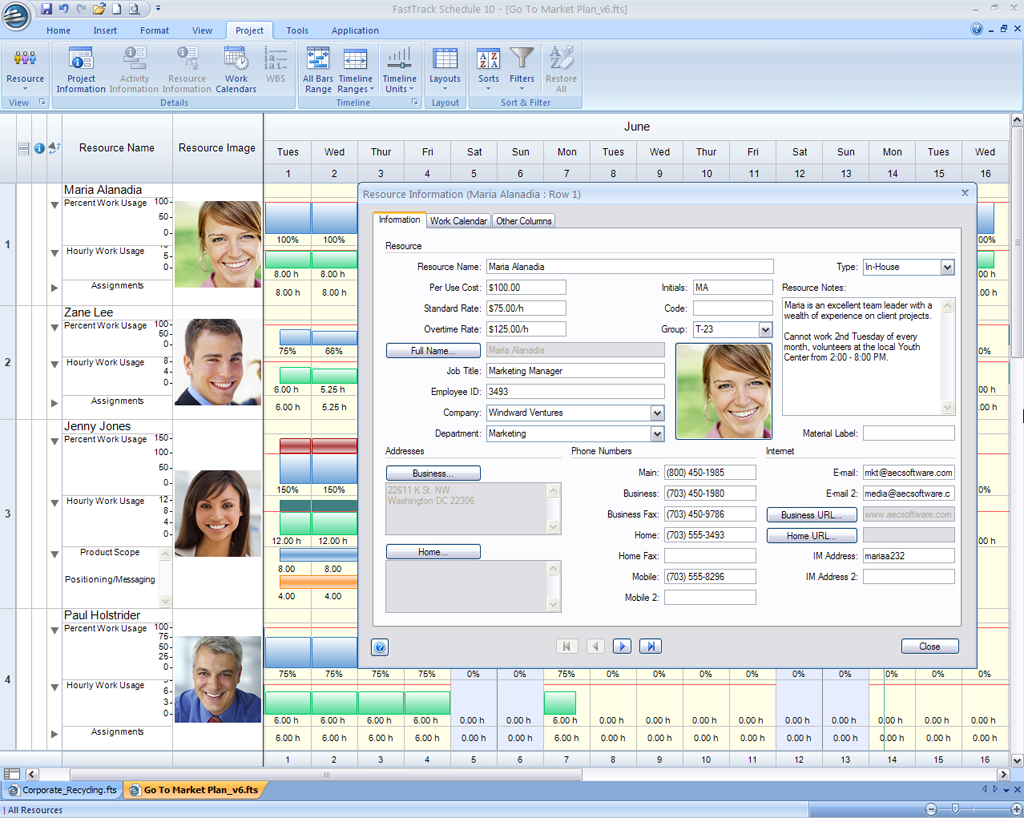
Now you can store even more details for your project’s resources.
FastTrack Schedule’s redesigned Resource Information Form organizes work schedules,
rates, contact information, and photos.
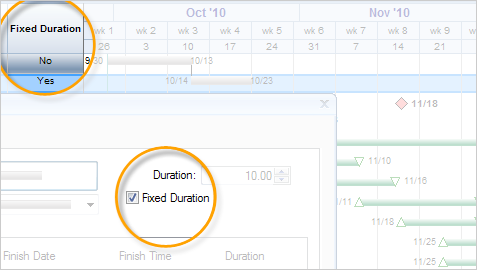
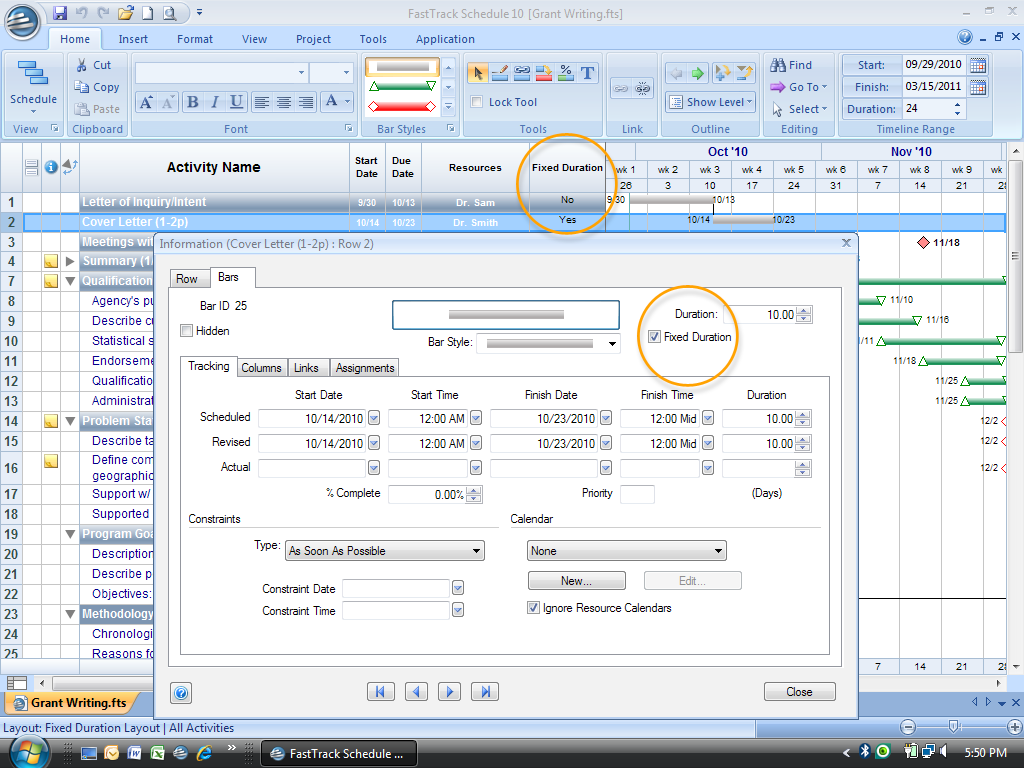
For tasks that require a specific amount of time to complete,
apply fixed duration. FastTrack Schedule will constrain the duration regardless
of changes to the work or resources assigned to the task.