- Home
- Products
- FastTrack Schedule 10.2 for Windows
- Integration
Share & Integrate
FastTrack Schedule 10.2 works well with your favorite Windows apps. Exchange data with Outlook, Excel, Apple Calendar, and databases — even with team members who use Microsoft Project. You can easily integrate FastTrack Schedule into your business process to improve strategic planning and boost team productivity.
Make the switch from Microsoft Project®
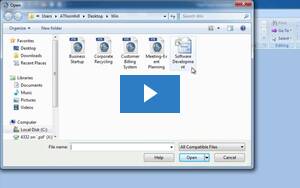
File, Open. It's that easy to get project data out of Microsoft Project MPP and
MPT files. FastTrack Schedule 10.2 also opens XML and MPX files, and provides easy
export to XML and MPX when you need to send project details from FastTrack Schedule
10.2 to a Microsoft Project user.
QuickTip Video:
Exchanging data with Microsoft Project
Make the break from Excel®
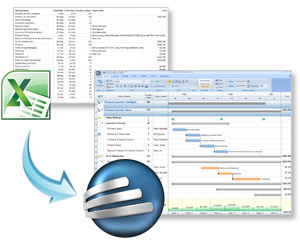
Many first-time project managers start out using spreadsheets to plan projects.
Excel is a great tool, but it's not designed for managing projects. FastTrack Schedule
10.2 has project-focused features that make it easy to plan and track projects including
a built-in outliner for organizing and summarizing tasks, Gantt chart timelines
that clearly illustrate task dates and durations, linking tools to set dependencies,
monthly calendars, and more.
QuickTip Video:
Exchanging data with Excel
Direct export to iCalendar
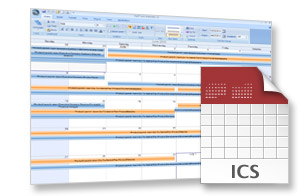
Export specific tasks or entire projects from FastTrack Schedule 10.2 to your favorite
organizers such as Outlook, Apple Calendar, and Google Calendar. When publishing directly to Calendar, project events
can be easily added to any of your current calendars or to a new calendar as .ics
files.
QuickTip Video:
Adding project tasks to Outlook calendars
Start Your 21-Day Free Trial »