Whether you're looking for someone to design a working schedule that you can jump right into or just a little guidance, our expert consultants are available to help with your FastTrack Schedule needs. Depending on how involved you want our consultants to be in your schedule creation process, choose between the following services.
Template Design
You know what you want to get out of FastTrack Schedule and want the quickest way possible to get there. Let an AEC Software Consultant design your project template once and take advantage of it for multiple uses! Schedule an assessment with one of our in-house consultants to get started on a template design customized for your organization. Deliverables include a Statement of Work and a FastTrack Schedule template.
Q&A with Your Schedules
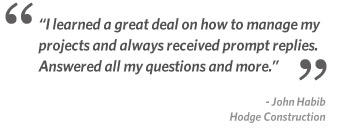
Need some guidance on a schedule that you've created? Consultants will review your schedule, answer any questions you have, and provide you with some helpful tips and pointers that will improve your use of FastTrack Schedule.
Q&A is not structured training. This service is an open dialog between you and a FastTrack Schedule consultant regarding the use of FastTrack Schedule. If you are looking for structured training options, please visit our e-Training or On-Site Training services.
Need More Information?
For more information regarding our Consulting Services or to receive a quote, contact our Consulting Services Team at (800) 450-1981, (703) 450-1981, or submit a Request for Information.